

Installation and setup for HomeSeer mobile app
Attention iOS users: As of , this app is available for Android users only. Please install HomeSeer Mobile instead.
Overview
HomeSeer HS4 has a fully responsive mobile user interface (UI). This app provides a quick and easy way to launch that UI on a mobile device.
Software Installation
-
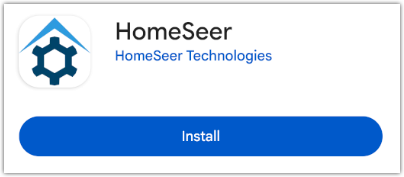
From your Android device, navigate to https://play.google.com/store/apps/details?id=com.homeseer.mobile2.android and Install the app.
-
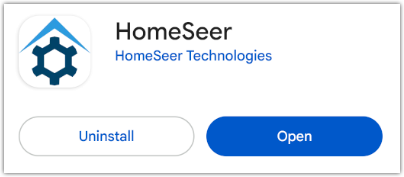
Open the app.
-
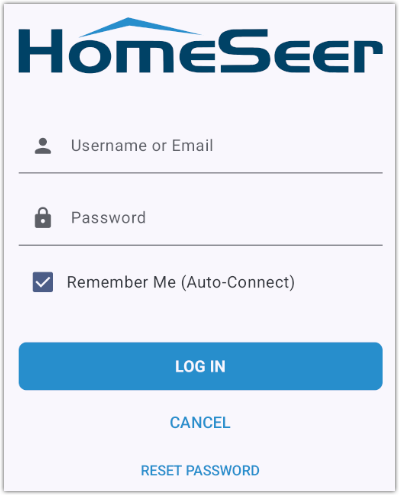
Click the LOG IN TO MYHS button, enter your MyHS credentials, then click the LOG IN button.
-
At this point, most users will be connected to their HomeSeer system web interface. MyHS Premium plan users with multiple systems will be prompted to connect to the system of their choice.