

Information on enabling Google Cloud access for a device or a devices features.
Overview
Voice commands can be enabled by editing the settings of of a single device or by using the Bulk Edit feature or HS4.
-
To enable cloud discovery for a single device,
-
Navigate to the settings for its device or for its feature(s),
-
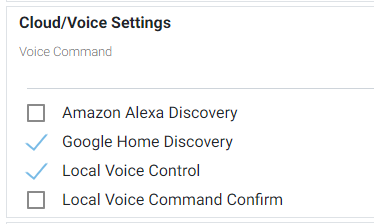
Check the Google Home Discovery checkbox:
-
This will automatically check Local Voice Control
-
-
-
To enable cloud discovery for multiple devices,
-
Enable bulk editing by clicking the Bulk Edit button.

-
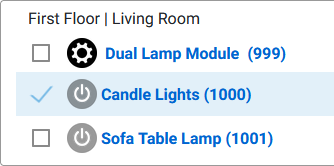
Check the check boxes next to the devices or features you wish to enable
Note: If you check the device check box, the feature check boxes will also be checked by default. Be sure to un-check the feature check boxes before enabling voice for these devices.
-
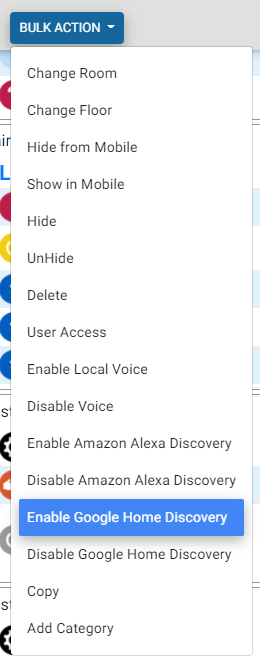
Open the Bulk Action menu at the top of the devices page and select Enable Google Home Discovery
-