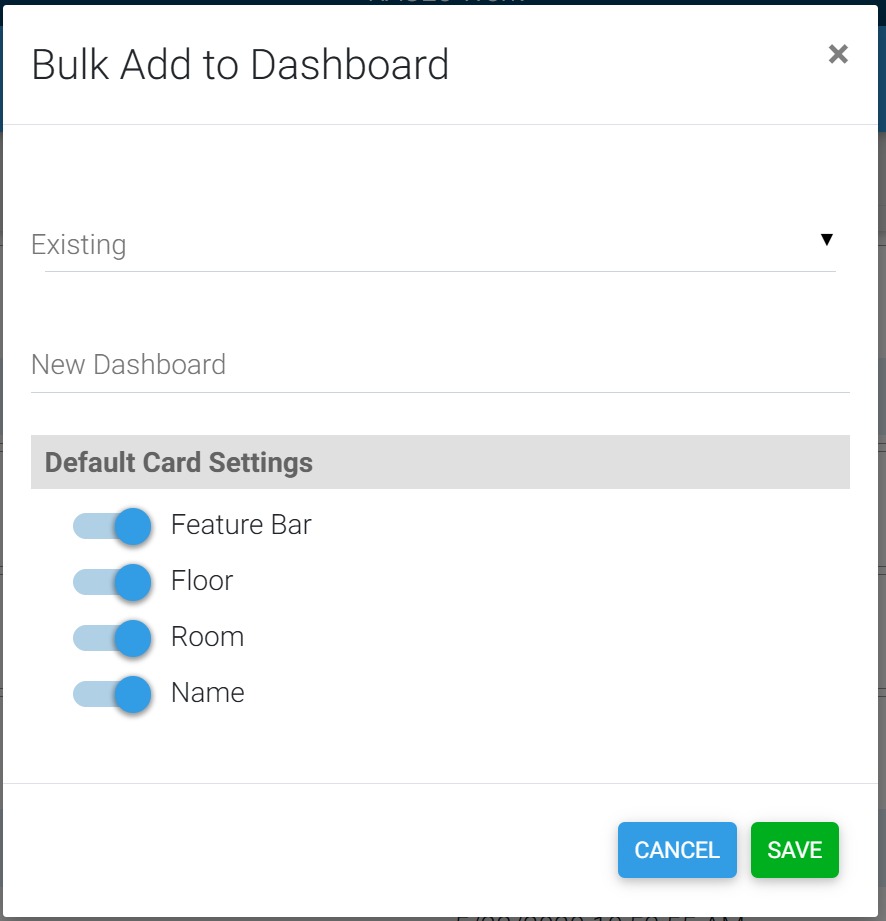
Bulk Edit may be used to add a group of cards to a dashboard using the device page filters.
The HS4 Bulk Edit feature may be used to add multiple devices to a dashboard at once. Enter bulk edit mode, select the devices you wish to add to a dashboard, then select the “Add to Dashboard” bulk edit operation. A dialog will appear where you can select which dashboard to add the devices to. You can also set some default view options such as hiding the feature bar or the location.