Displays detailed information about the HS4 sytem.
Overview
The about function is designed to display a profile of the system which can be useful in a variety of ways, particularly when troubleshooting issues or interacting with support. The about screen includes the following:
System Profile
-
Date/time - Displays the current date, time and time zone
-
Version - Displays the version of HS4 software currently running
-
License ID - Displays the registered HS4 license ID
-
MyHS Subscription - Displays the MyHS subscription level of the user
-
MyHS Subscription Backup Interval - Displays the MyHS system backup interval for cloud backups (MyHS Plus or higher)
-
MyHS Subscription Max Cameras - Displays the MyHS max camera backup amount (MyHS Plus or higher)
-
MyHS Subscription Backup Time - Displays the MyHS system backup start time
-
Configuration File - Displays the currently used HS4 database file name and path
-
In Virtual Machine - Displays hardware identity of the system
-
Antivirus - Displays any antivirus currently installed
-
OS - Displays the operating system type
-
OS Version - Displays the operating system version
-
Uptime - Displays how long the system has been continuously operating since it was last started
-
User/Access - Displays the currently logged in user and user access level
-
Lan IP - Displays the local network IP address and name of the system
-
Lan MAC - Displays the media access code (MAC) of the system
-
Client IP - Displays the local network IP address of the computer that’s accessing this page
-
WAN IP - Displays the wide area network (WAN) address of the system
-
Device Count - Displays the number of HomeSeer devices added to the system
-
Event Count - Displays the number of events (automations) added to the system
-
Last Event Ran - Displays the name of the event that last ran and the date/time that it ran
-
# of unique event scripts - Displays the number of unique event scripts added to the system
-
Connected Speaker Clients - Displays the names and IP addresses of all speaker clients currently connected to the system
-
Processor: - Displays the type and clock speed of the CPU used with this system
-
Modules/Threads - Displays the number of components and tasks currently installed and running
-
Available Threads - Displays the number of threads available to be used by the system
-
System Load - Displays the number of processes currently running and what that represents in terms of the total load available
-
Free/Total Memory - Displays the amount of free RAM and total RAM available on the system
-
Free/Total Virtual Memory - Displays the amount of free virtual RAM and total virtual RAM available on the system
-
HomeSeer Memory Used - Displays the amount of RAM used specifically by HS4
-
Plugin Memory Used - Displays the amount of RAM used specifically by currently running plugins
-
Plugins Installed - Displays the names and version of all installed plugins
A COPY PROFILE button is included at the bottom of this section. Click it and paste this information into any support ticket you submit to HomeSeer’s help desk.
Software License
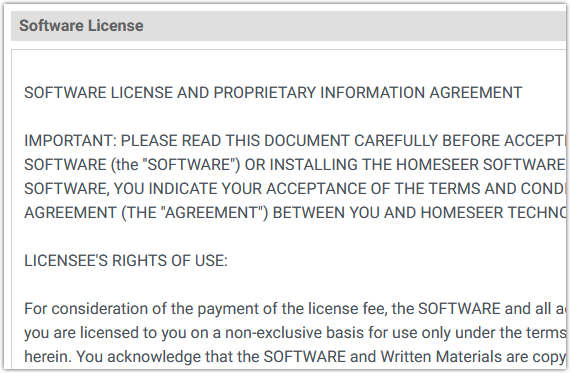
A copy of our software license is included for your review at the bottom of the screen