

This guide covers the hardware features of the Z-NET PRO
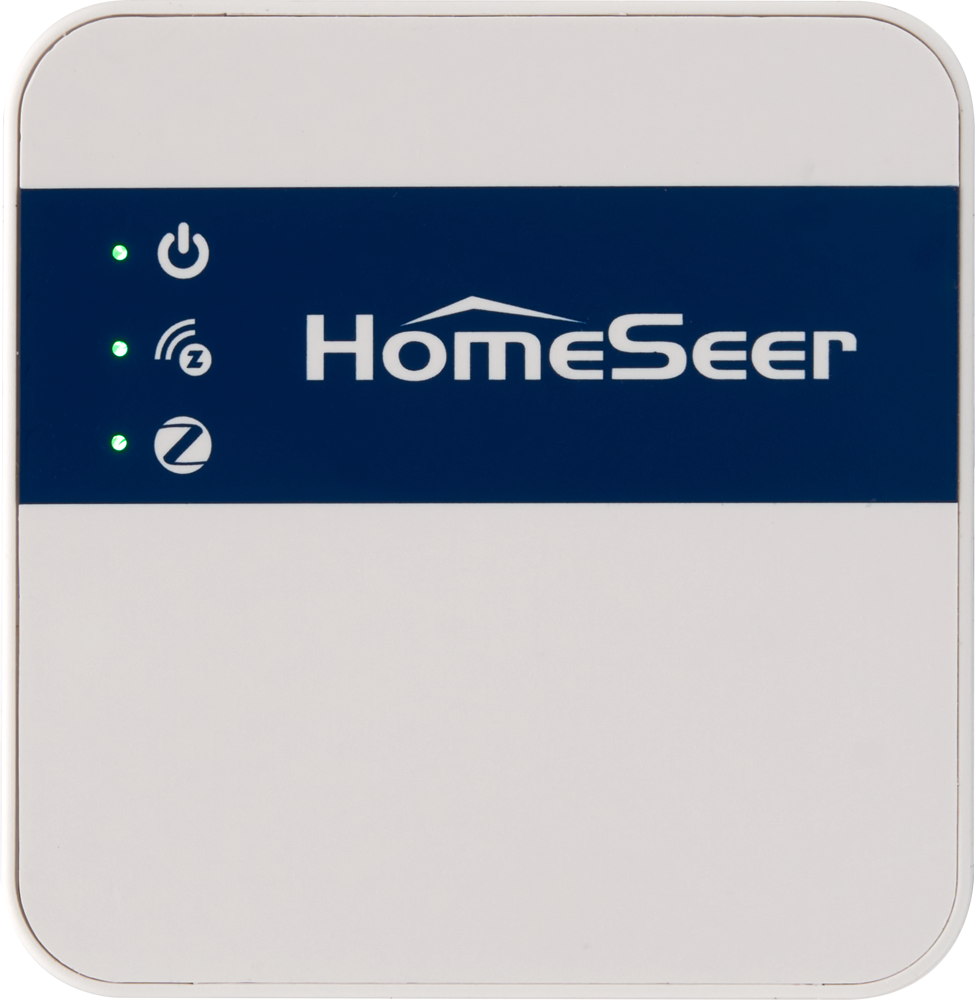
Front Panel
-
LED status indicators
-
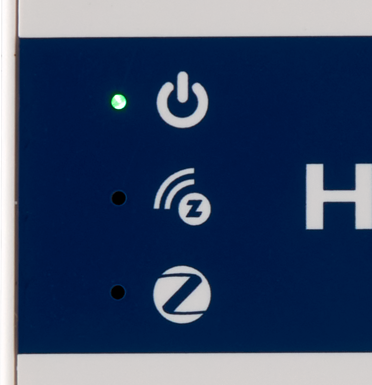
Power: The top LED glows red for a few seconds when first plugged in, then changes to green to indicate the unit is operational. This LED will remain lit as long as the unit is operational.
-
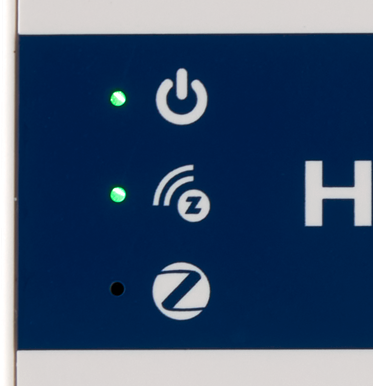
Z-Wave: The middle LED glows green when Z-Wave is correctly configured to work with your hub. Otherwise it is off.
-
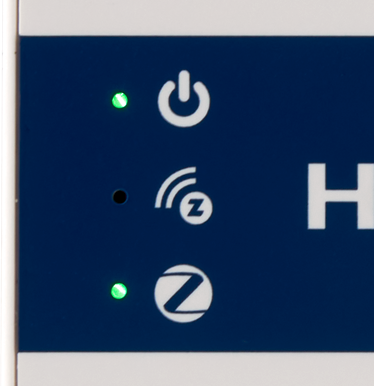
Zigbee: The bottom LED glows green when Zigbee is correctly configured to work with your hub. Otherwise it is off.
-
Bottom Panel
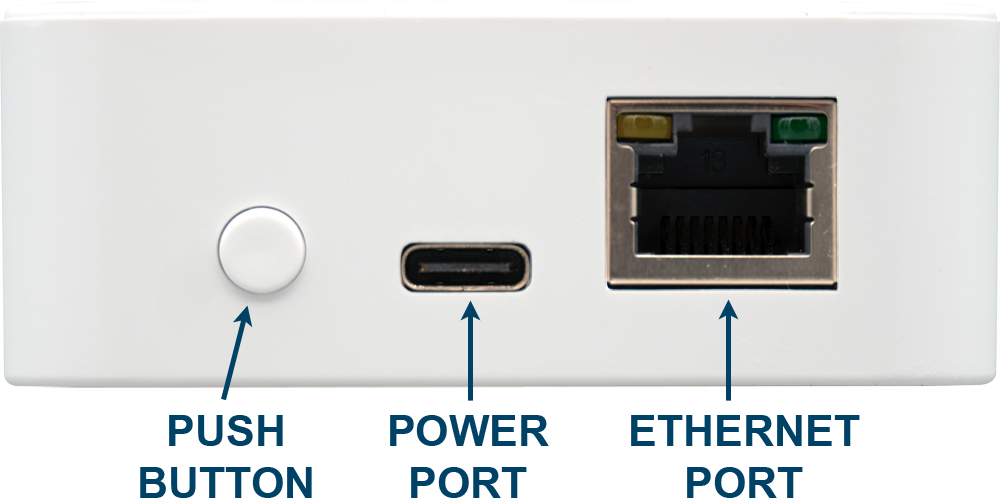
From left to right…
-
Push button: Use this to restart the unit or to perform a factory reset.
-
Press for 1-3 second to initiate a restart of the Z-NET PRO. The LEDs will turn off, then turn back on again starting with the power LED.
-
Press for 10 seconds to initiate a factory reset of the Z-NET PRO. The LEDS will blink rapidly. Release the button when the LEDs stop blinking.
-
This function resets the Z-NET PRO Name and WiFi settings. No other data is affected.
-
-
-
Power port: Connects to the included USB-C power cable to power the unit.
-
Ethernet port: Used to connect Z-NET PRO to your router or network switch.