

Use this guide for help with issues
Overview
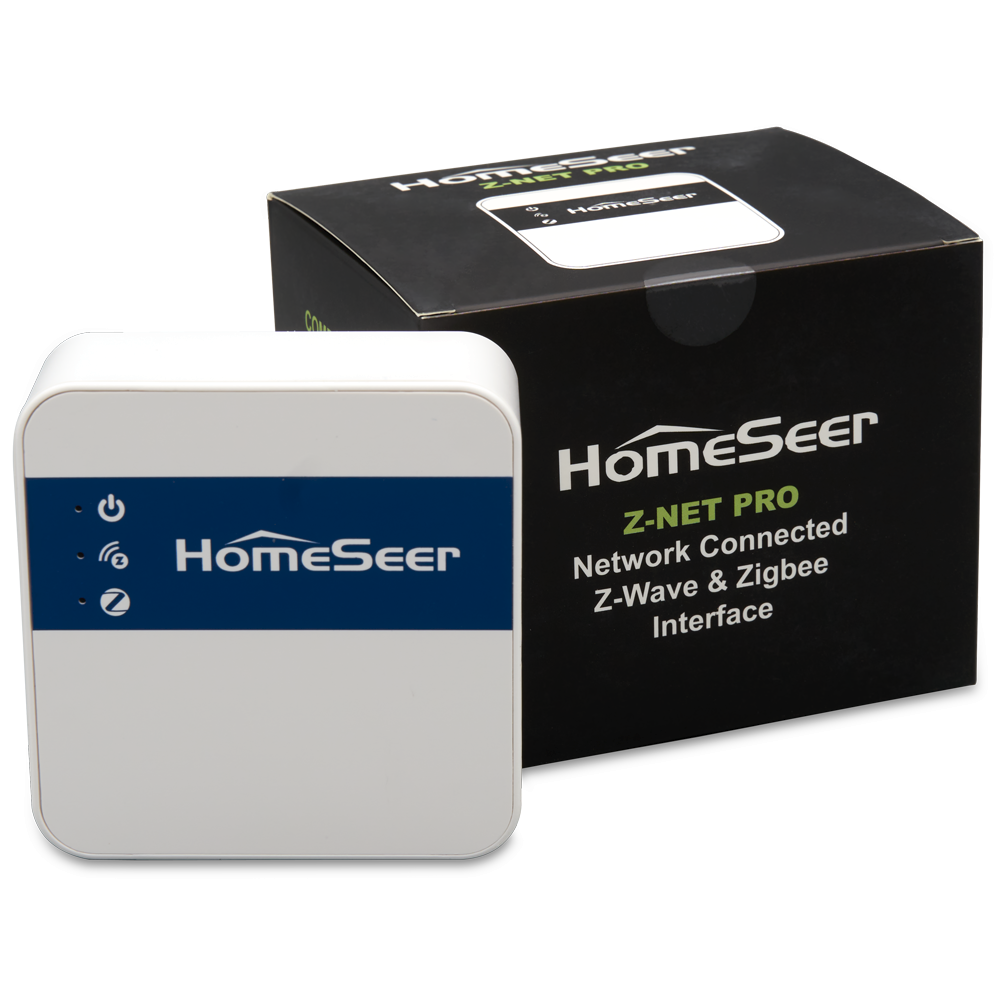
The Z-NET PRO is designed to provide years of trouble-free service. Should you run into any problems, here are the most common issues and fixes. If these fixes, don’t work for you, open a support ticket by emailing support@homeseer.com.
Power LED won’t light
If the power LED isn’t turning on, check the following:
-
Confirm that the supplied AC adapter is plugged into an outlet.
-
Confirm that the supplied cable is firmly connected to the AC adapter and to the USB-C port on the unit.
-
Confirm that the AC outlet is working properly powering a lamp of other device with it.
Power LED stays red
The Z-NET PRO power LED glows red during startup and turns green when fully booted, typically within 3 seconds. If your power LED stays red, check the following:
-
Confirm that you’re using the supplied AC adapter and power cable. If not, make sure the power adapter is rated at 5 VDC and 2.0 amps.
-
Confirm that the reset button (next to the USB-C port) is not depressed by pressing and releasing it a couple times. The button should make an audible click when pressed.
Ethernet LEDs won’t light
The Ethernet port is equipped with LEDs to display the connection status and network activity. If these LEDs won’t light, check the following:
-
Confirm that the Z-NET PRO is powered (Power LED is lit).
-
Confirm that one end of the supplied Ethernet cable is attached to your router or network switch and the other end is connected to the Ethernet port of the unit.
-
Confirm that the your router or network switch is powered and working normally.
Can’t access the web UI
The Z-NET PRO’s web UI may be accessed with HomeSeer’s System Finder (find.homeseer.com). If this doesn’t work for you, check the following:
-
Confirm that the Z-NET PRO is powered and connected to your router or network switch.
-
Confirm that your device is connected to the same network via Ethernet or WiFi. This will not work over a mobile network connection.
-
Confirm that you’ve waited at least 5 minutes after connecting your Z-NET PRO to your network.
Z-Wave LED won’t light
The Z-NET PRO’s Z-Wave LED is designed to glow green once your hub’s Z-Wave integration (driver or plugin) is connected and working. If this LED is not glowing, check the following:
-
Confirm that the Z-NET PRO is powered and connected to your router or network switch.
-
Confirm that you’ve configured your hub to connect to the Z-NET PRO using the steps in the appropriate integration guide:
Zigbee LED won’t light
The Z-NET PRO’s Zigbee LED is designed to glow green once your hub’s Zigbee integration (driver or plugin) is connected and working. If this LED is not glowing, check the following:
-
Confirm that the Z-NET PRO is powered and connected to your router or network switch.
-
Confirm that you’ve configured your hub to connect to the Z-NET PRO using the steps in the appropriate integration guide:
Other issues
For issues not covered here, check our complete list of Z-NET PRO docs or contact us directly for help.