

Use this guide to help determine the best location for your Z-NET PRO
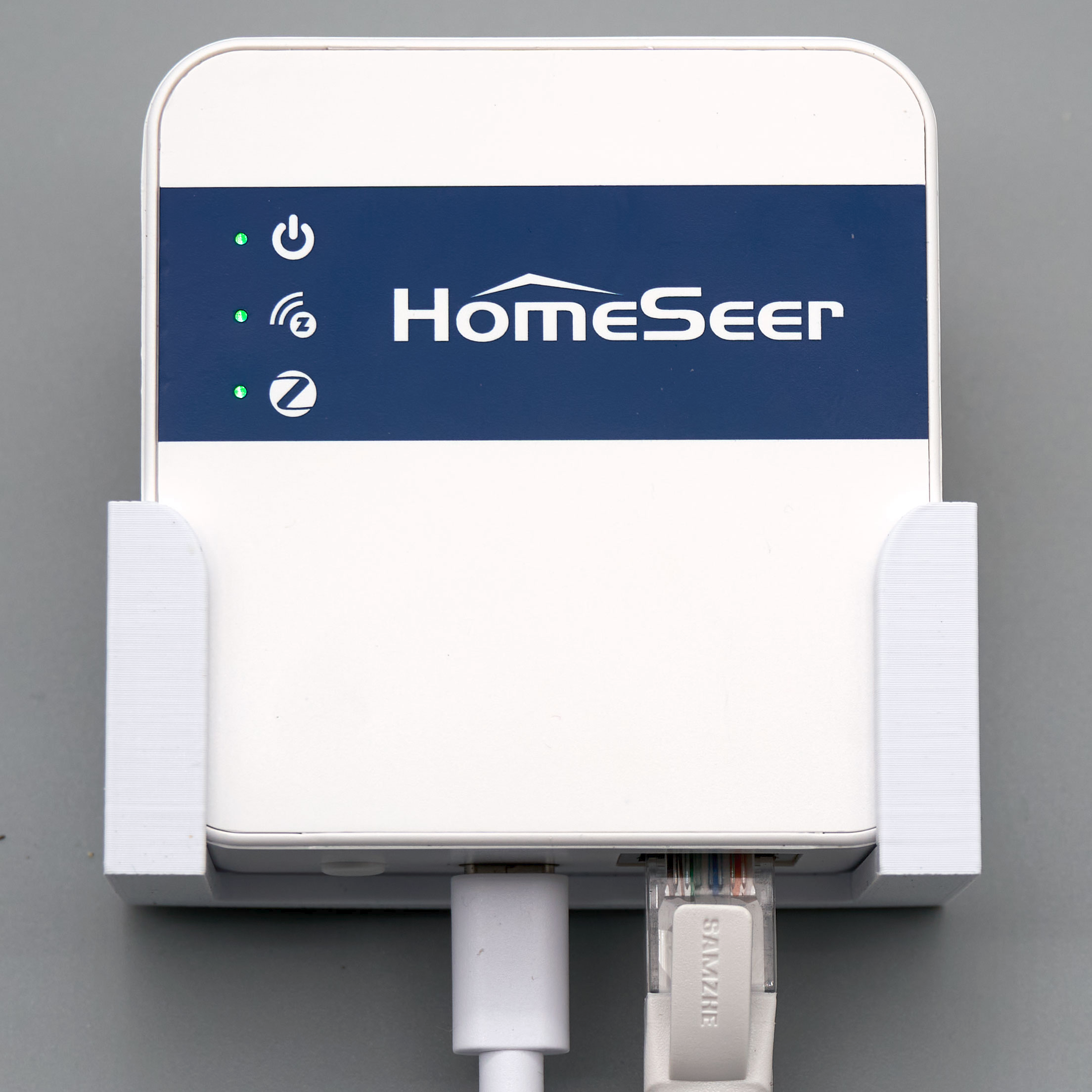
Where to Install Your Z-NET PRO (Placement Best Practices)
Proper placement of your Z-NET PRO can greatly improve wireless performance for both Z-Wave and Zigbee devices and ensure strong connectivity to your network. The Z-NET PRO is designed as a network-connected interface, so you can position it anywhere on your LAN that gives you good wireless coverage and connection.
1. Mount It Centrally
-
Try to place the Z-NET PRO near the center of the area where most smart devices will be used.
-
Central positioning helps the signals reach more devices with fewer walls or obstructions in the way.
Why this matters:
Both Z-Wave (around 900 MHz) and Zigbee (2.4 GHz) signals weaken with distance and obstacles like brick, concrete, or metal. Central placement reduces the number of barriers and distance the signal must travel.
2. Keep It Elevated and Open
-
Don’t hide it behind furniture, routers, cabinets, or inside closets.
-
Place the unit off the floor — on a shelf or on a wall.
If wall mounting is possible, consider installing our optional wall mount kit: HomeSeer Wall Mount Kit for Z-NET PRO
Benefits of wall mounting:
-
Better signal propagation: Mounting it on a wall raises the device above large obstacles and furniture, improving line-of-sight for radio waves.
-
Cleaner, safer installation: Keeps cables tidy and reduces chances of accidental knocks or disconnections.
-
Optimal orientation: A wall-mounted unit is more likely to radiate signals evenly in all directions versus being tucked away on a low shelf or desk.
-
Less interference: Off the floor and away from other electronics reduces chances of signal interference.
3. Avoid These Locations
-
Inside metal cabinets or equipment racks
-
Behind large appliances or mirrors
-
In corners, near thick walls, or deep closets
-
On the floor or tucked under furniture
These areas can block or absorb RF signals, reducing wireless performance dramatically.
4. Network & Power Considerations
-
A wired Ethernet connection provides the most reliable performance but this can limit placement to areas near the router in homes that aren’t fully wired for Ethernet. We recommend trying this option first.
-
If you must use Wi-Fi, test the Wi-Fi signal strength at the chosen location before final placement to ensure reliable network connection.
-
Be sure to choose a location near a power outlet as the Z-NET PRO must be plugged in to work.
Quick Placement Checklist
✔ Central location relative to devices
✔ Elevated on shelf or wall mounted with the optional kit (above)
✔ Clear line of sight, no heavy obstructions
✔ Good network connectivity (Ethernet preferred)
✔ Away from heavy electronics and metal blocks